


Office operations · Workflow improvement

Smoother office operations.Less manual work.

BandKAi helps office teams reduce repetitive admin and keep documents, reports and follow-ups moving.

Documents. Reporting. Coordination.Discover a clearer workflow

01 / The everyday friction

Where office work gets stuck

Many workflows function, but require far more manual coordination than they should.

Conceptual paper pathways crossing and overlapping on a blue surface.
Complexity builds up. Clarity is designed.
01

Repetitive administration

The same spreadsheet is rebuilt, the same details are entered again, and the same documents are prepared every week. Each task may be small, but together they interrupt more valuable work. We identify what repeats, remove unnecessary steps and look for a simpler way to handle the routine.

02

Disconnected information

Customer details sit in one system, supporting documents in another, and the latest update in someone’s inbox. Before work can move forward, someone has to gather and check it all again. We look at where information should enter the workflow, who maintains it and how it reaches the next person.

03

Email-driven workflows

A request arrives by email, moves through several replies and waits for someone to remember the next step. The conversation contains the information, but the status is hard to see. We help make ownership, handovers and follow-up explicit, so progress depends less on searching through inboxes.

04

Manual approvals

Work waits while people forward documents, check which version is current or ask who needs to approve it. We clarify what actually requires a decision, who makes it and what happens next. Routine steps can then move with less coordination, while important decisions stay with the right person.

05

Limited visibility

Answering a simple question — what is done, what is waiting, what needs attention — means asking several people or combining several files. We help bring status, responsibilities and exceptions into a useful shared view, so a report supports a decision instead of becoming another recurring task.

06

Person-dependent processes

A workflow runs smoothly because one person knows all the unwritten steps. When that person is away, colleagues have to reconstruct what happens next. We make the sequence, responsibilities and exceptions clearer, so the process is easier to hand over and less dependent on individual memory.

We start with the process,
not the technology.

Illustrative company office with colleagues working at computers and discussing a screen.

02 / What we improve

Make recurring office work easier to manage.

01

Documents & information

Collect the right information once and make it easier to prepare, check and find. We connect the steps between receiving information and turning it into something useful.

For example: prepare a recurring document from agreed data, with missing information identified before the next step.

More examples
  • Reduce repeated entry between forms, spreadsheets and documents.
  • Make versions and supporting files easier to find.
  • Clarify who supplies and maintains each piece of information.
02

Reporting & visibility

Make recurring reports easier to prepare and operational status easier to understand. Focus attention on what changed, what is waiting and what needs a decision.

For example: a recurring status report that brings open items and exceptions together without rebuilding the same spreadsheet.

More examples
  • Simplify repeated consolidation from different sources.
  • Give process owners a clearer view of progress and outstanding work.
  • Highlight exceptions instead of asking people to inspect every item.
03

Coordination & follow-up

Give each handover a clear owner and a clear next step. We improve how requests, approvals and reminders move between people and tools.

For example: a request reaches the right approver, with its status and next action visible to the people involved.

More examples
  • Structure recurring reminders and customer follow-up.
  • Clarify approval steps and the information needed for a decision.
  • Make handovers easier when work changes hands.

Digitalization, automation and practical AI are tools we use when they improve the workflow.

03 / How we work

From recurring problem to working improvement

One workflow, made clearer
Customer informationCopied between filesEmail approvalWaiting for a replyDocument versionChecked againNext action?Someone has to rememberFind the friction.Information collectedOne agreed starting pointReview & approvalA clear person responsibleReminder & follow-upA defined next stepConnect the work. Keep people in control.The workflow in useRoutine steps supportedStatus made visibleMoving work · waiting workExceptionsPeople review and decideFeedbackRefine the next improvementLearn from everyday use.
Files & emailInformation in different places
Repeated checksVersions, ownership, approvals
Follow-up from memoryWho takes the next step?
Information collectedOne agreed starting point
Review & approvalA clear person responsible
Next action definedReminders and follow-up connected
Routine work supportedStatus is visible
Exceptions reach a personReview and decide
Feedback closes the loopRefine the next improvement
Illustrative workflowScroll or select a stage

One team. One recurring workflow. One measurable improvement.

  1. 01

    Understand & simplify

    We follow one recurring workflow with the people who use it: where information enters, who handles it and where it waits. Together, we separate necessary decisions from avoidable copying, checking and handovers.

    What you take forward

    A shared view of the process, its owner and a focused starting point for improvement.

  2. 02

    Connect & support

    We turn the simpler process into a working flow. Information, tools and responsibilities are connected; routine steps receive practical digital support. Approvals and exceptions remain with the people who need to make the decisions.

    What you take forward

    A working improvement, with clear responsibilities and support for everyday use.

  3. 03

    Improve over time

    We review what happens in real use: what saves effort, what people adopt and which exceptions still need attention. We refine the workflow and agree what is worth improving next.

    What you take forward

    A review of the change, its practical effect and the next useful adjustment.

04 / Selected work

Selected workflow examples

Practical examples of how BandKAi applies process improvement, automation and digital tools.

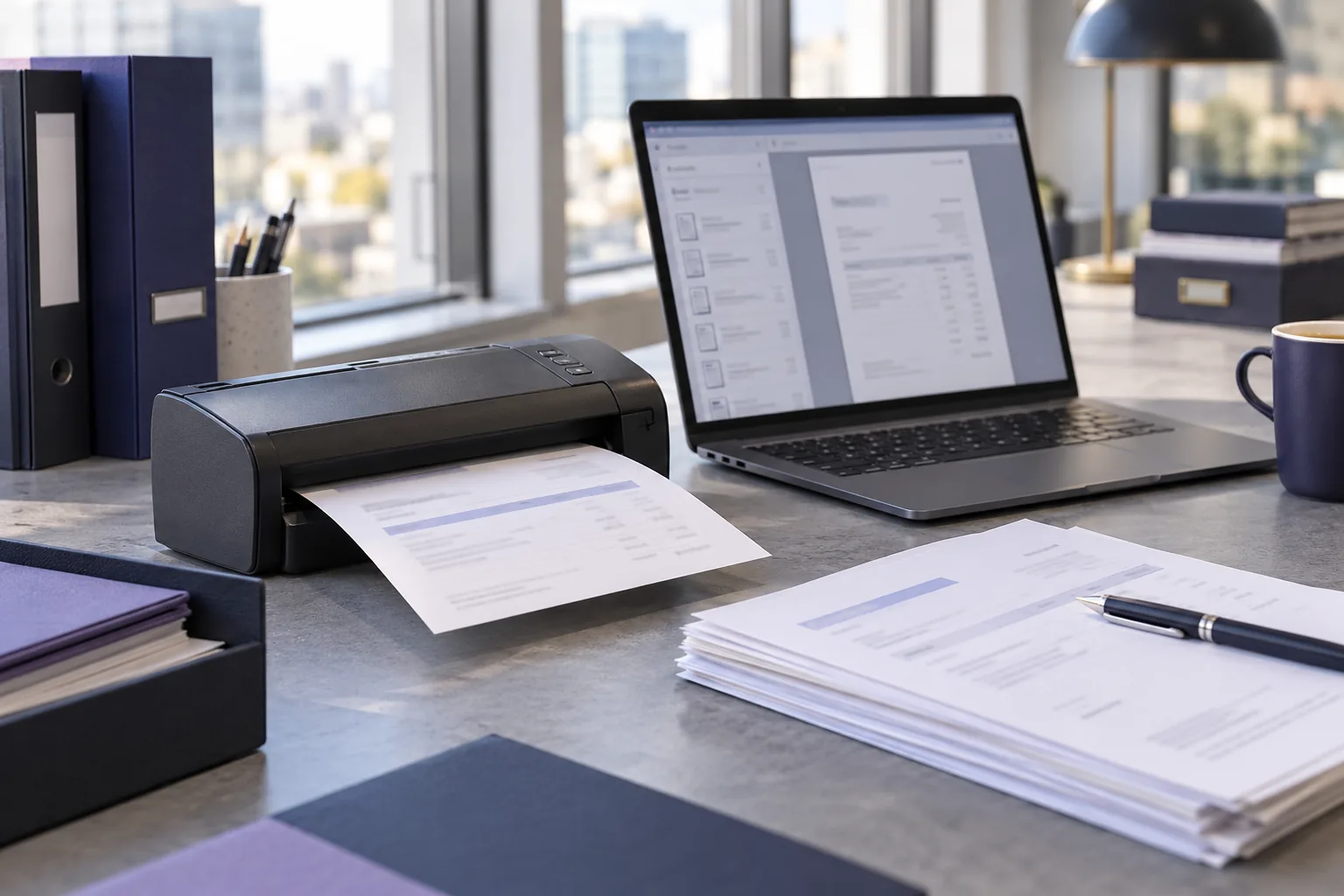
Illustrative finance workstation with an invoice scanner, paper invoices and digital documents on a laptop.
  1. Review data
  2. Approve
  3. Send reminders
  4. Track follow-up
Finance administration01

Accounts Receivable Workflow

Service company

A recurring collections process required manual work across customer data, reminders, approvals, communication and follow-up.

€200,000

Reduction in overdue receivables

Through customer payments during the first two months of using the improved workflow.

Interactive illustration, not a monthly payment history. Reported two-month total: €200,000.

Reported outcome · Service company · Payments only

Explore the workflow

The starting point

Collections required recurring coordination across customer data, reminders, approvals and communication. Keeping track of the next action was part of the manual work.

The approach

The implementation brought reminder preparation, approval steps, communication and tracking into a structured workflow. These activities were treated as connected parts of a recurring process, rather than separate administrative tasks.

The reported outcome

During the first two months of using the improved workflow, overdue receivables fell by €200,000 through customer payments. The reported reduction relates to overdue balances paid during this period and excludes write-offs and accounting corrections.

  • Workflow automation
  • Communication
  • Approvals
  • Tracking
Illustrative digital learning workspace with a lesson on a laptop, a tablet, headphones and an open workbook.
  1. Structure
  2. Create content
  3. Connect tools
  4. Prepare pilot
Education business02

Digital Learning Workflow

Language education business

An established offline teaching concept needed a structured digital environment for a pilot program.

Explore the workflow

The starting point

An established offline teaching concept needed a structured digital environment in which a pilot program could be tested. The work involved both learning materials and the practical steps needed to deliver them.

The approach

Course structure and workbooks were developed alongside audio and video production. Platform setup, payment arrangements and AI-assisted production support were connected to the same delivery workflow.

What was prepared

A structured digital pilot environment, bringing the course content and delivery tools together for testing and further development. The pilot provides a starting point for reviewing the learning experience and refining the delivery process.

  • Digitalization
  • Workflow design
  • Platform implementation
  • Content operations
Illustrative scene of two people reviewing documents together at a table.

05 / Why BandKAi

Technology should serve the process.Not the other way around.

Clearer work. More room for the people doing it.

01

Business-first

Start with the work that needs to improve.

02

Practical

Design for real daily use, not a demonstration.

03

Clear

Keep the workflow understandable for the people using it.

04

Improvement-focused

Measure what changed and continue only where it creates value.

Let’s talk about the work

Have a workflow worth improving?

Tell us which recurring task takes more coordination than it should. A short description of the work, the people involved and where it gets stuck is a useful starting point.

Contact BandKAi

We’ll reply to this address.

Iksfors Solutions d.o.o. uses your details to respond to your enquiry. Privacy notice (opens in a new tab)